How to Install Jotley for Mac
Jotley for Mac captures all audio on your system — browser audio, app audio, and your microphone — simultaneously. No meeting bots, no browser extensions.
1
Download the Installer
Your download should start automatically. If it doesn't, click here.
2
Open DMG, Drag to Applications & Launch
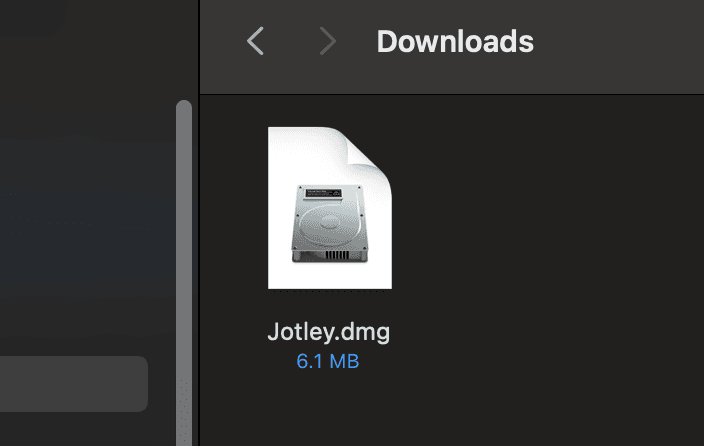
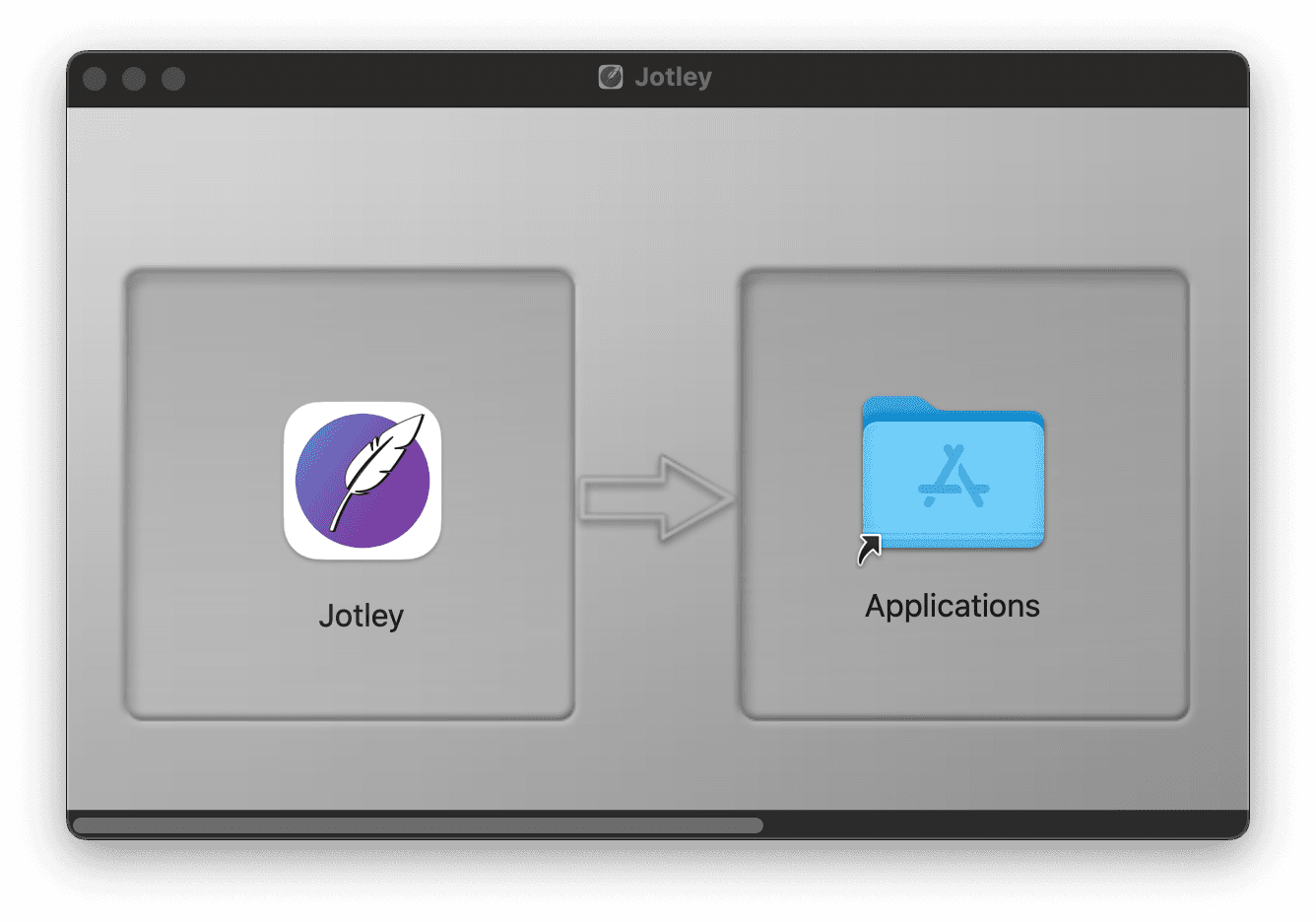
Once downloaded, open the Jotley DMG file. Drag the Jotley icon into the Applications folder shortcut, then double-click the Applications shortcut to open it and launch Jotley.
3
Confirm Opening & Grant Permissions
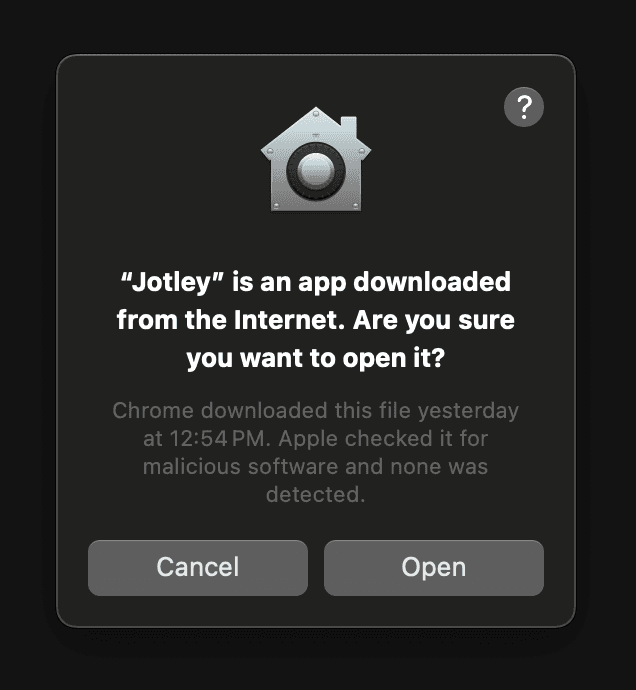
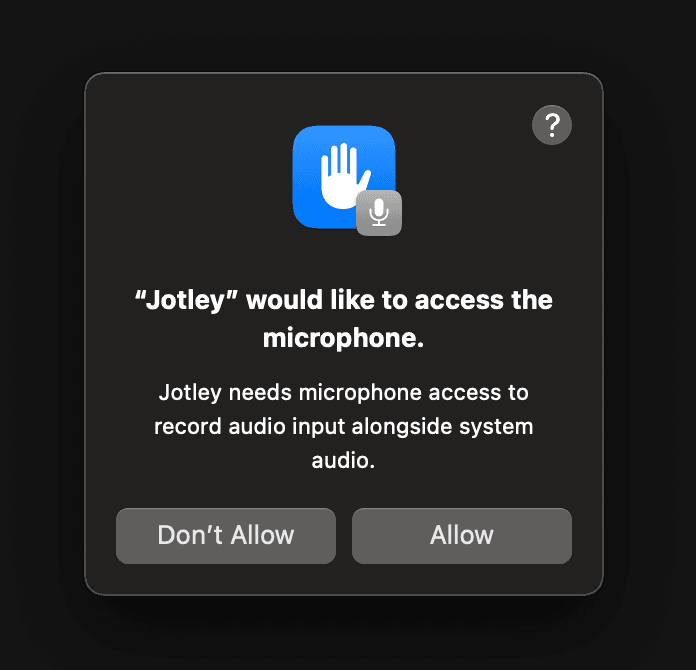
Since Jotley is downloaded from the internet, macOS will ask for confirmation. Click "Open". Then, Jotley will need microphone access to record audio. Click "Allow" when prompted.
Installation Complete!
You have successfully installed Jotley. Enjoy using the app!